Dedicated GPU memory is the only sane choice for serious AI training and production inference. Shared memory belongs in prototypes, laptops, and light graphics workloads, not in systems that carry real SLAs. As models grow larger and latency expectations tighten, memory architecture stops being a detail and becomes a first-order design decision.
This is exactly why Spheron AI is built around dedicated VRAM GPUs and bare-metal deployments, not shared or overcommitted memory abstractions. When you deploy on Spheron AI, the memory you see is the memory your model actually gets. No silent borrowing from system RAM. No surprise headroom loss under load. No paging cliffs at three in the morning.
To make the case concrete, this article breaks down what actually happens inside GPUs when memory is shared, why outages keep repeating across cloud environments, and why dedicated VRAM is the only architecture that scales cleanly for modern AI workloads.
Why This Outage Keeps Happening
At three in the morning, a production AI system goes down. Inference starts throwing out-of-memory errors. Latency spikes. Traffic backs up. The on-call team scrambles, convinced the model has a bug. After hours of digging, the real issue becomes clear. The GPU they deployed was advertised with 16 GB of memory, but half of it was quietly shared with system processes. The model never had the headroom it needed.
This is not a rare edge case; it is a pattern. Teams deploy on “16 GB GPUs” that, in practice, behave like 8–10 GB devices once shared memory and background processes are accounted for, especially in cloud or virtualized environments. The difference between dedicated and shared GPU memory determines whether you ship features or spend your nights chasing tail latency.
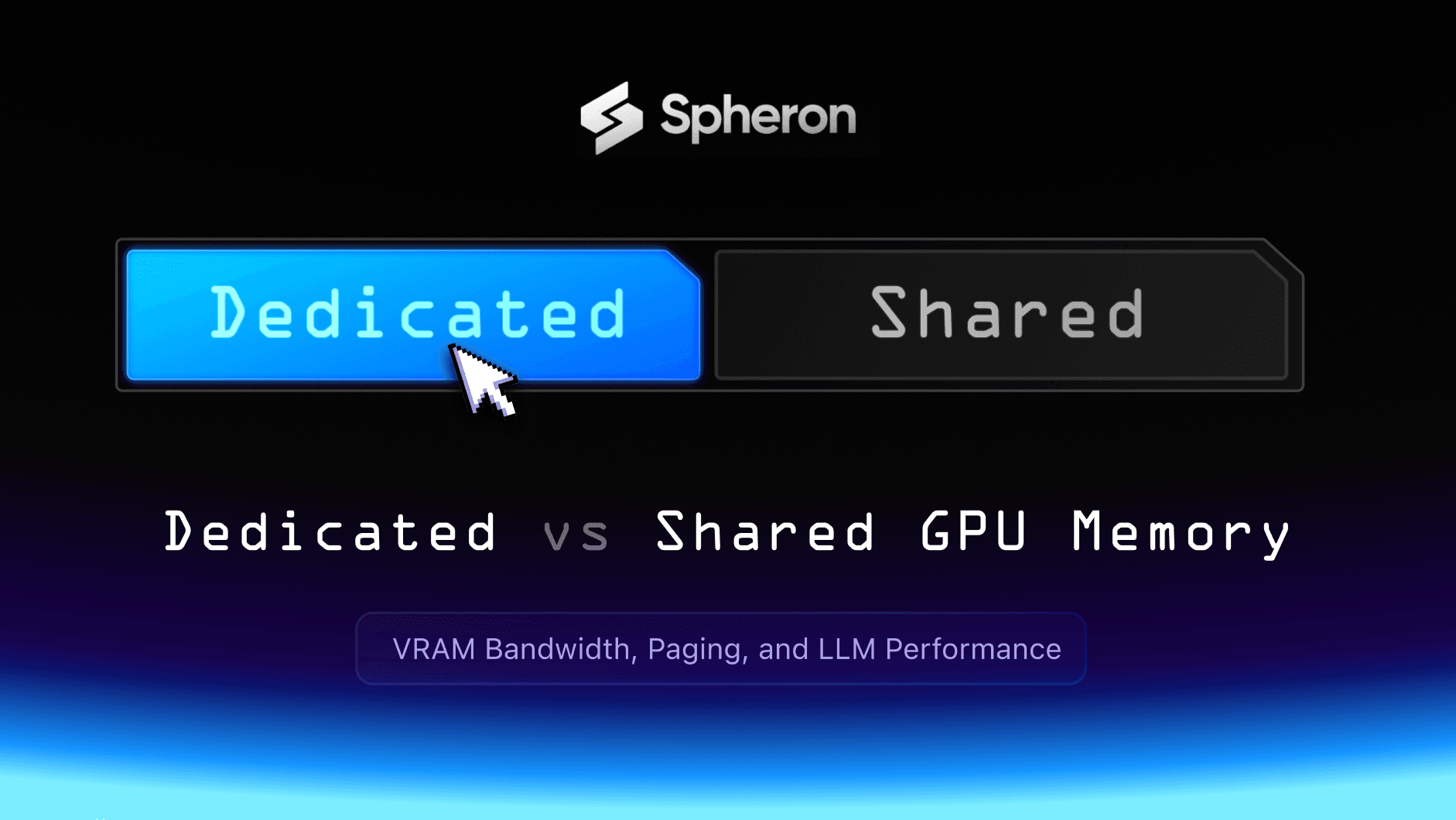
Dedicated vs Shared GPU Memory
Dedicated GPU memory is VRAM soldered directly onto the GPU board (GDDR or HBM) and connected via a wide, ultra–high-bandwidth bus. When your model accesses weights, activations, or intermediate tensors, the GPU reads them directly from this VRAM at hundreds to thousands of GB/s without competing with CPU, network, or disk traffic.
Shared GPU memory is borrowed system RAM that the GPU accesses over the system bus when onboard VRAM runs out. Typical dual-channel DDR4/DDR5 setups for CPU memory offer on the order of 40–100 GB/s of bandwidth, a tiny fraction of what high-end GPU VRAM can sustain. That gap is the heart of the problem.
Key idea: Dedicated VRAM is a private, high-bandwidth highway; shared memory is a congested city street shared with everything else on the machine.
Bandwidth vs Capacity: The Real Bottleneck
Over the last decade, compute throughput on AI accelerators has exploded, while memory bandwidth has grown much more slowly. Analysis of 1,700+ GPUs from 2007–2025 shows bandwidth rising steadily but nowhere near the exponential gains in FLOPs that AI chips deliver. The result: for many modern AI workloads, performance is bandwidth-bound, not compute-bound.
For deep learning, every forward and backward pass is a story of moving tensors, not just multiplying them. If memory cannot feed the compute units fast enough, adding more FLOPs does nothing. Shared memory makes this worse, because data must cross the system bus before it ever reaches the GPU.

You can visualize this with a chart comparing memory bandwidth across memory types used in AI systems (values approximate, but directionally accurate):
Memory bandwidth and VRAM capacity differences across GPU memory types and models used in AI workloads
-
System DDR4/DDR5 RAM: ~50 GB/s effective per CPU socket in many servers
-
GDDR6X on RTX 4090: ~1,008 GB/s
-
HBM2e on A100 80 GB: ~2,039 GB/s
-
HBM3 on H100: ~3,000 GB/s
-
HBM3e on H200: ~4,800 GB/s
This is a two orders-of-magnitude spread between system RAM and the latest HBM3e. Using shared memory means voluntarily dropping from terabytes per second to tens of gigabytes per second.
Stats: What Dedicated Memory Looks Like
Modern AI GPUs are designed around dedicated VRAM with extreme bandwidth. Here are representative numbers you can embed as a spec table or chart:
These devices are built so that, once your model fits in VRAM, the GPU can stream data at TB/s scale without touching system memory. A second useful bar chart compares VRAM capacity directly: 24 GB (RTX 4090) vs 80 GB (A100/H100) vs 141 GB (H200).
Memory bandwidth and VRAM capacity differences across GPU memory types and models used in AI workloads
By contrast, CPUs with DDR4/DDR5 usually top out around 40–100 GB/s of memory bandwidth per socket, even in high-end servers. Once your GPU spills into shared memory, you are throttling a multi-teraflop accelerator through a 50 GB/s straw.
Where Shared Memory Breaks AI Workloads
Large model training
Transformer training must hold parameters, activations, gradients, and optimizer state simultaneously. A 70B-parameter model in FP16/FP8 can demand hundreds of gigabytes of effective memory budget once you include optimizer states and activation checkpoints. On GPUs like A100/H100 with 80 GB HBM, teams already rely on tensor and pipeline parallelism; spilling further into shared memory is catastrophic.
On systems that allow GPU page faults into system RAM, you effectively turn high-end GPUs into I/O-bound devices. Batch sizes must shrink, gradient accumulation steps increase, and training time can stretch by 2–5x or more versus a configuration that keeps everything in HBM.
Batch processing and throughput
High throughput training and offline inference depend on saturating the GPU with large or at least efficient batches. When VRAM is tight and shared memory kicks in, you start paying for:
-
Smaller batches and more steps
-
More frequent host-device transfers
-
Idle SMs waiting on memory
Benchmarks comparing A100 vs RTX 4090 for fine-tuning show that, when the model fits comfortably in the A100’s 80 GB HBM2e, it can maintain high utilization, whereas the 24 GB 4090 is more prone to batch-size compromises or offloading overhead on large models. That gap widens further if the 4090 has to lean on shared memory.
Real-time inference and tail latency
Production inference lives or dies on P95–P99 latency, not the median. Shared memory introduces jitter because:
-
GPU page faults into host RAM are slower and less predictable than HBM reads
-
Host RAM competes with CPU workloads, networking stacks, and file I/O
-
NUMA and PCIe topologies create non-uniform latency paths
LLM inference limit studies show that memory bandwidth and data movement dominate latency once models grow beyond a few billion parameters. Every extra hop—from HBM to GDDR to DDR adds variance. Tail latency spikes are often just memory architecture leaking into user experience.
How Cloud GPUs Hide the Memory Trap
Cloud platforms abstract hardware to look simple: N vCPUs, M GB RAM, K GB GPU memory. But the implementation details vary: Some “GPU memory” numbers include a slice of system RAM, not just dedicated VRAM. Overcommitted hosts rely on paging and ballooning, which amplifies shared memory behavior under load. Multi-tenant GPUs can reserve part of VRAM for host or hypervisor services.
For teams choosing providers, two questions matter more than the headline VRAM number:
-
How much of this memory is true on-board VRAM vs shared/borrowed system memory?
-
What is the effective bandwidth and contention pattern under load?
Platforms that explicitly offer bare-metal or dedicated VRAM GPUs (e.g., A100/H100/H200, or RTX 4090 with full 24 GB dedicated) avoid the hidden shared-memory cliff and deliver behavior that matches spec sheets.
Economic Impact: Memory as a Cost Lever
Dedicated memory looks expensive on a price sheet, but cheap in a P&L. HBM-based accelerators (A100/H100/H200) cost more per hour than consumer GPUs or shared-memory setups, yet they often win on:
-
Time-to-train: fewer days per run means fewer total GPU-hours.
-
Engineering time: less time spent on memory gymnastics and firefighting.
-
Capacity planning: predictable batch sizes and scaling behaviors.
By contrast, shared memory systems lure teams with lower hourly rates or bigger “total memory” numbers that quietly include system RAM. The hidden bill shows up as: Training runs that take 2–4x longer than planned. Over-provisioning instances to offset jitter. Extra infra and SRE headcount to chase incidents
When GPUs like the H100 and H200 deliver 2–4x the bandwidth of older architectures while keeping models entirely in HBM, even a 30–50% higher hourly rate can translate into lower cost per trained model or per million tokens served.
Practical Workarounds, and Their Limits
Teams use several tactics to work around memory limits. They help, but they cannot turn shared memory into HBM.
-
Gradient accumulation: Simulates large batches using multiple smaller ones. It reduces VRAM pressure but increases wall-clock time proportionally to the number of accumulation steps.
-
Model parallelism: Splits models across GPUs and shines when GPUs have fast, consistent interconnects (NVLink, NVSwitch, high-bandwidth HBM). It performs poorly if each device is already starved by shared memory or slow PCIe/host RAM.
-
Mixed precision (FP16/FP8): Cuts memory footprint and often boosts throughput, but still relies on fast VRAM to see full benefits.
-
Quantization: Great for inference memory savings, but training remains bandwidth-sensitive, and heavy offloading still hurts.
These techniques are multipliers on good hardware, not band-aids that turn shared memory architectures into dedicated ones.
Monitoring: Catching Memory Trouble Early
Teams that avoid 3 a.m. outages treat memory as a first-class SLI. Useful signals include:
-
High memory bandwidth utilization with low compute utilization → memory-bound workload.
-
Frequent host-to-device and device-to-host transfers → offloading or shared memory behavior.
-
GPU page fault counters and PCIe utilization spikes → workloads spilling out of VRAM.
Tools like nvidia-smi, Nsight Systems, and profiling frameworks expose these metrics and can be wired into alerts long before user-facing errors appear. The goal is to identify “VRAM almost full, bandwidth saturated, compute idle” patterns classic signatures of shared memory pain before they translate into downtime.
Choosing the Right Memory Model by Stage
Different phases of an AI project tolerate different tradeoffs.
-
Early prototyping: Small models, frequent code changes. Shared memory or smaller dedicated GPUs can be acceptable to optimize for iteration speed over perfect latency.
-
Research and scaling: As models cross tens of billions of parameters and experiments get expensive, dedicated VRAM becomes non-negotiable. A100/H100-era GPUs with 80 GB+ HBM give researchers room to explore without rewriting everything around memory limits.
-
Production: Inference SLAs and user expectations demand dedicated memory with high bandwidth and consistent behavior. H100 and H200-class hardware exist precisely to keep large models in HBM and deliver predictable latency.
Budget-conscious teams often choose RTX 4090-class cards first. These offer 24 GB of dedicated GDDR6X and ~1 TB/s of bandwidth, which is enough for mid-size models and aggressive quantization. As workloads grow, they graduate to HBM-based GPUs to avoid hitting the bandwidth wall.
The Real Bottom Line
Shared GPU memory has a place. It does not belong at the core of serious AI systems.
As models become larger and more bandwidth-hungry, memory architecture defines whether systems scale smoothly or fail under pressure. Platforms that hide shared memory behind friendly numbers create fragility. Platforms that expose dedicated VRAM deliver reliability.
Spheron AI is built around this principle. Dedicated GPU memory, bare-metal performance, and transparent hardware access are not optional features. They are the foundation for AI systems that work when it matters.