The NVIDIA B200 GPU represents a quantum leap in artificial intelligence computing, built on the revolutionary Blackwell architecture. Spheron AI gives teams access to NVIDIA B200 GPUs without long sales cycles, inflated pricing stories, or locked-in infrastructure. If you need real Blackwell compute for training or inference, you can reserve it directly and run on hardware that behaves the way production systems expect.
The NVIDIA B200 is built for large language models, Mixture-of-Experts workloads, and high-throughput inference. It is not a marketing GPU. It exists for teams that already hit limits on H100 or H200 and need more memory bandwidth, faster interconnects, and predictable performance.
Spheron AI focuses on one thing here. Deliver B200 capacity that you can actually use, not just read about.
Why Choose Spheron for B200 GPU Rentals?
Most B200 pages on the internet look impressive, but they hide important details. Minimum node sizes. Long onboarding calls. Pricing that only works if you sign a multi-year deal without clarity on utilization.
Spheron AI does not do that.
You see the configuration upfront.
You know whether it is bare metal or a VM.
You know the region.
You know the pricing model before you talk to sales.
More importantly, Spheron AI aggregates capacity across providers. That means availability does not depend on a single data center or vendor backlog. It also means pricing stays closer to reality instead of artificial scarcity.
Spheron AI offers NVIDIA B200 in 3 practical configurations. Bare metal for long-running, serious workloads. Virtual machines for teams that want flexibility and faster iteration. with Spot and Dedicated instance
The B200 SXM5 bare metal option is designed for reserved capacity. It runs as a full physical machine with no noisy neighbors. You get consistent performance across long training runs and stable inference at scale. The B200 SXM6 virtual machine option works well for teams that want faster access, smaller clusters, or mixed workloads. It still gives you Blackwell performance, but with cloud-style flexibility.
Both options avoid the common trap you see elsewhere, where specs look good on paper but fall apart under sustained load.
-
Reserved Capacity - Commit to 12 months and access enterprise-grade B200 SXM5 GPUs at just $3.20/hour, delivering exceptional value for long-term AI training and research projects.
-
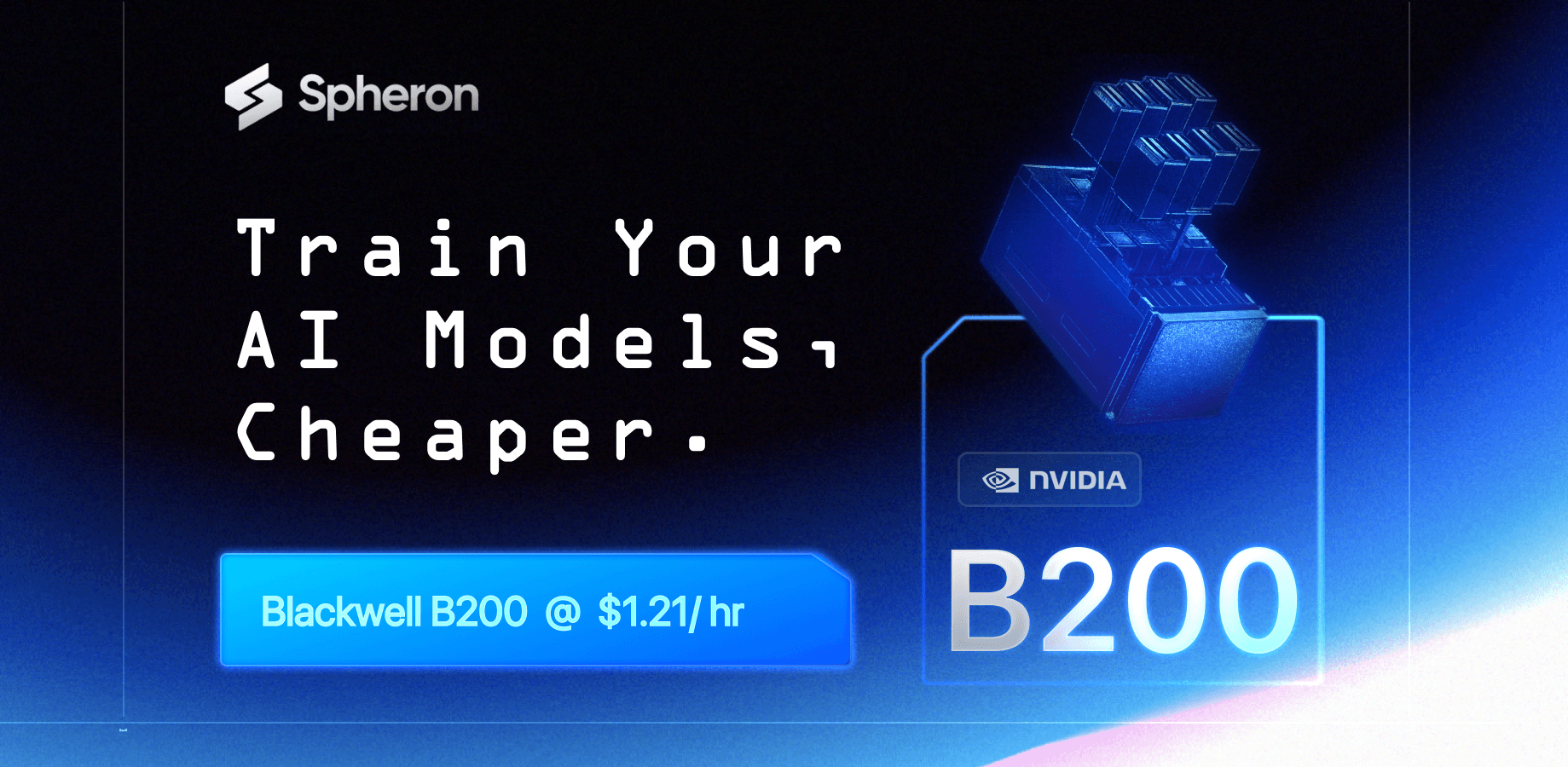
Spot Pricing: B200 SXM6 SPOT instance are avilable at $1.21/hr. one of the best pricing avilable in the market
-
On-Demand Flexibility - Deploy B200 SXM6 instances instantly from $4.71/hour with no commitment required. Scale up or down as your workload demands.
3 Powerful Configurations
B200 SXM 6: Spot for quick work
-
Specs: 30 vCPUs, 184GB RAM, 200GB Storage
-
Specs: 31 vCPUs, 184GB RAM, 6000GB Storage
-
Interconnect: SXM6
-
NVLink: Enabled
B200 SXM5 - Reserved for Maximum Performance
-
192 vCPUs for parallel processing power
-
2TB RAM to handle massive datasets
-
31TB Storage for your largest AI models
-
Bare Metal deployment for zero overhead
-
High-speed Ethernet connectivity
-
Available in US region
-
Minimum 12-month commitment for optimal pricing
B200 SXM6 - On-Demand Agility
-
30 vCPUs for versatile workloads
-
184GB RAM for efficient processing
-
500GB Storage for rapid deployment
-
Virtual Machine flexibility
The B200 Advantage: Built for the AI Era
B200 is not for everyone. If someone tells you otherwise, they are selling hardware, not solving problems.
B200 makes sense when:
-
Your models no longer fit comfortably on H100 or H200.
-
Memory bandwidth becomes your bottleneck, not raw FLOPS.
-
You run large MoE or trillion-parameter class inference.
-
You care about GPU-to-GPU communication and scaling efficiency.
If you only run small fine-tunes or light inference, cheaper GPUs will serve you better. Spheron AI supports those too.
Blackwell Architecture Innovation
The NVIDIA B200 GPU is engineered with 208 billion transistors, featuring a revolutionary dual-die design that delivers breakthrough performance for trillion-parameter AI models. This isn't just an incremental upgrade, it's a fundamental reimagining of AI compute.

Technical Specifications
-
Architecture: NVIDIA Blackwell
-
GPU Memory: 192GB HBM3e per GPU
-
Memory Bandwidth: 8TB/s
-
FP4 Tensor Performance: 18 petaFLOPS
-
FP8 Tensor Performance: 9 petaFLOPS
-
FP16/BF16 Performance: 4.5 petaFLOPS
-
TF32 Tensor Core: 2.25 petaFLOPS
-
FP64 Performance: 40 teraFLOPS
-
Power: Up to 1,000W
-
Interconnect: 5th Gen NVLink (1.8TB/s) + PCIe Gen6 (256GB/s)
-
15x faster real-time inference compared to previous generation
-
3x faster training for large language models with new FP8 precision
What This Means for Your Workloads
The B200's specifications translate to real-world benefits:
-
Train faster: Complete training runs in days instead of weeks
-
Scale larger: Work with trillion-parameter models that were previously impossible
-
Deploy efficiently: Serve more users with fewer GPUs thanks to improved inference performance
-
Iterate rapidly: Test more model architectures and hyperparameters in less time
The B200's custom Tensor Core technology accelerates LLM inference and training with groundbreaking FP4 precision, delivering up to 2.5X performance gains over previous architectures. This means faster iteration cycles, reduced training time, and more efficient model deployment.
Ideal Use Cases for B200 GPUs
Large Language Model Training: Train models with 70B+ parameters efficiently. The massive 192GB memory capacity allows you to work with the largest architectures without memory constraints.
Real-Time AI Inference: Deploy production inference endpoints with sub-second latency. The B200's exceptional throughput handles thousands of requests per second while maintaining consistent performance.
High-Performance Computing: From complex scientific simulations to financial modeling and weather forecasting, the B200 accelerates computation-intensive tasks that traditionally required entire server clusters.
Generative AI Applications: Power next-generation generative AI applications including:
-
Multi-modal AI models combining text, image, and video
-
Real-time content generation
-
Advanced image synthesis and manipulation
-
Video generation and editing workflows
Fine-Tuning and Adaptation: Leverage LoRA and QLoRA fine-tuning techniques to customize foundation models for your specific use case with unprecedented speed and efficiency.
Getting Started with B200 on Spheron
Deploying a GPU instance is simple and takes only a few minutes. Here’s a step-by-step guide:
1. Sign Up on the Spheron AI Platform
Head to app.spheron.ai and sign up. You can use GitHub or Gmail for quick login.

2. Add Credits
Click the credit button in the top-right corner of the dashboard to add credit, and you can use a card or crypto as well.

3. Start Deployment
Click on “Deploy” in the left-hand menu of your Spheron dashboard. Here you’ll see a catalog of enterprise-grade GPUs available for rent.

4. Configure Your Instance
Select the GPU of your choice and click on it. You’ll be taken to the Instance Configuration screen, where you can choose the configurations based on your deployment needs. For this example, we are using RTX 4090. You can use any other GPU that is suitable for you.
You can use any GPU of your choice.

Based on GPU availability, select your nearest region, and in the Operating system, select Ubuntu 22.04.

5. Review Order Summary
Next, you’ll see the Order Summary panel on the right side of the screen. This section gives you a complete breakdown of your deployment details, including:
-
Hourly and Weekly Cost of your selected GPU instance.
-
Current Account Balance, so you can track credits before deploying.
-
Location, Operating System, and Storage associated with the instance.
-
Provider Information, along with the GPU model and type you’ve chosen.
This summary enables you to quickly review all details before confirming your deployment, ensuring full transparency on pricing and configuration.

6. Add Your SSH Key
In the next window, you’ll be prompted to select your SSH key. If you’ve already added a key, simply choose it from the list. If not, you can quickly upload a new one by clicking “Choose File” and selecting your public SSH key file.
Once your SSH key is set, click “Deploy Instance.”
Click here to learn how to generate and Set Up SSH Keys for your Spheron GPU Instances.
That’s it! Within a minute, your GPU VM will be ready with full root SSH access.
Step 2: Connect to Your VM
Once your GPU instance is deployed on Spheron, you’ll see a detailed dashboard like the one below. This panel provides all the critical information you need to manage and connect to your instance, and the SSH command to connect.

Open your terminal and connect via SSH; enter the passphrase when prompted. If you have not added a passphrase, simply press Enter twice.
ssh -i <private-key-path> sesterce@<your-vm-ip>
Now you’re inside your GPU-powered Ubuntu server.
Reserve Your B200 Capacity Today
NVIDIA B200 GPUs are in high demand across the AI industry. Secure your reserved capacity now to ensure availability for your critical AI projects.
Ready to accelerate your AI workloads?
-
For Reserved Capacity: Contact our sales team to discuss custom pricing and deployment options
-
For On-Demand Access: Deploy B200 SXM6 instances instantly through the Spheron platform
The future of AI computing is here. Make it yours with Spheron's flexible, powerful, and cost-effective B200 GPU rentals.
Contact Sales: Request custom enterprise pricing and reserved capacity options
Documentation: Explore technical guides and deployment tutorials
Platform: Sign up and start deploying in minutes